

Make your profile public or keep it private
Your profile is a CV of graded work, private until you make it public: what it shows, and how to edit it.
Updated
Private until you say so
A new profile is private: to anybody else your page is not found, and you are not on the leaderboards. Turn on Public profile in Profile settings to share it at /u/ and your handle. Credentials you hold can be verified either way.
What it shows
Your name, handle, institution, country, links and bio; your level, problems solved, certifications and rank; then your certifications, verified skills, selected work, a year of activity, the assessments you passed, your achievements, paths and the problems you solved. Every figure on it comes from graded submissions.
Edit it
Open Profile settings from the account menu:
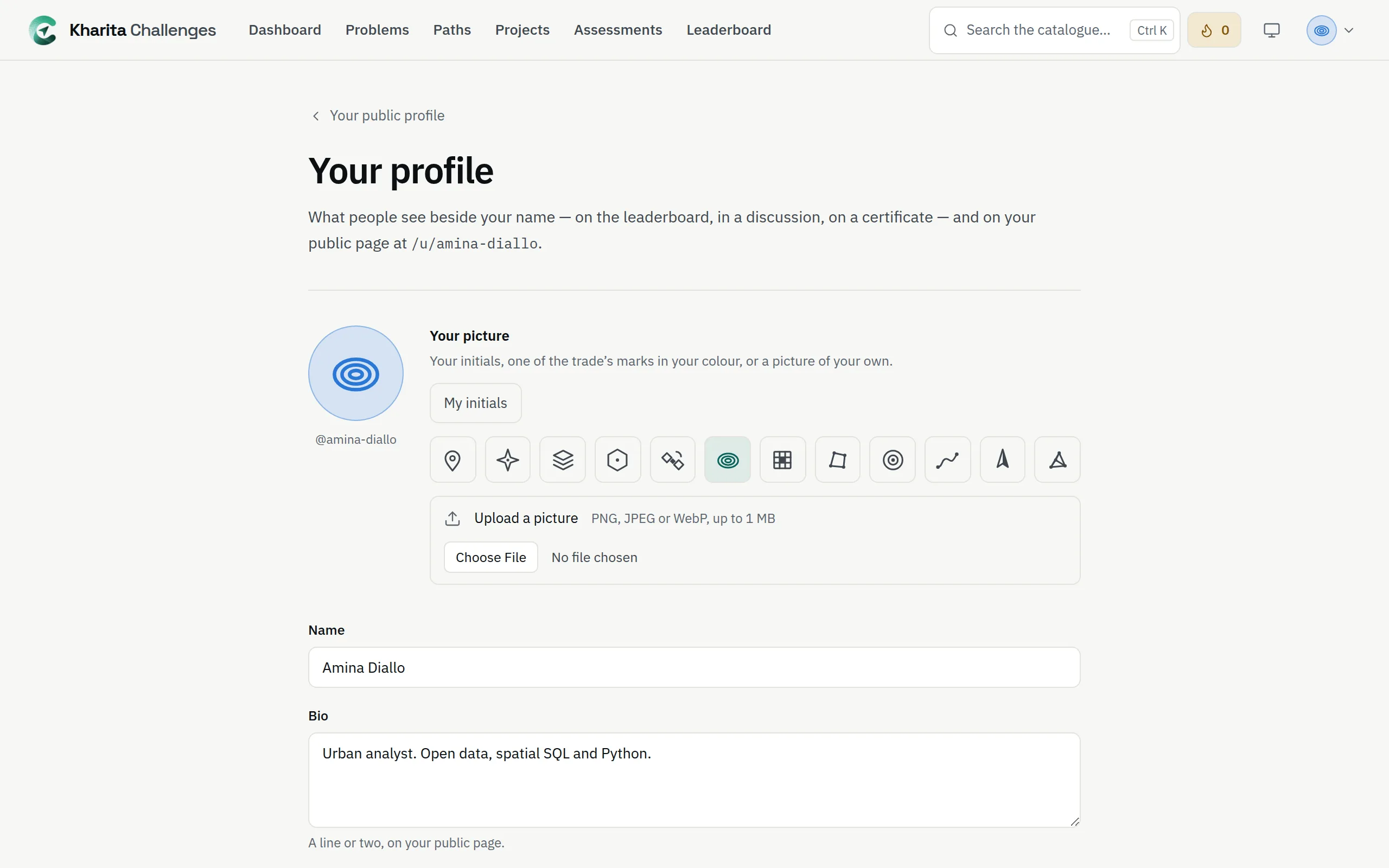
- Your picture: your initials, one of twelve map marks, or an upload — PNG, JPEG or WebP, up to 1 MB.
- Name, Bio and Institution. Your handle cannot be changed.
- Your country, chosen from the list: start typing its name.
- LinkedIn, GitHub and Website, and up to six projects under Selected work, each with a link and a line about it.
Press Save.
Related
Still stuck? Write to Support