

Take an assessment
How a timed assessment works: the conditions, the clock, what is locked, and your result.
Updated
Before you begin
Assessments lists every assessment you can sit, with its time, its sections, its pass mark and the certificate it issues, and where you stand with each.
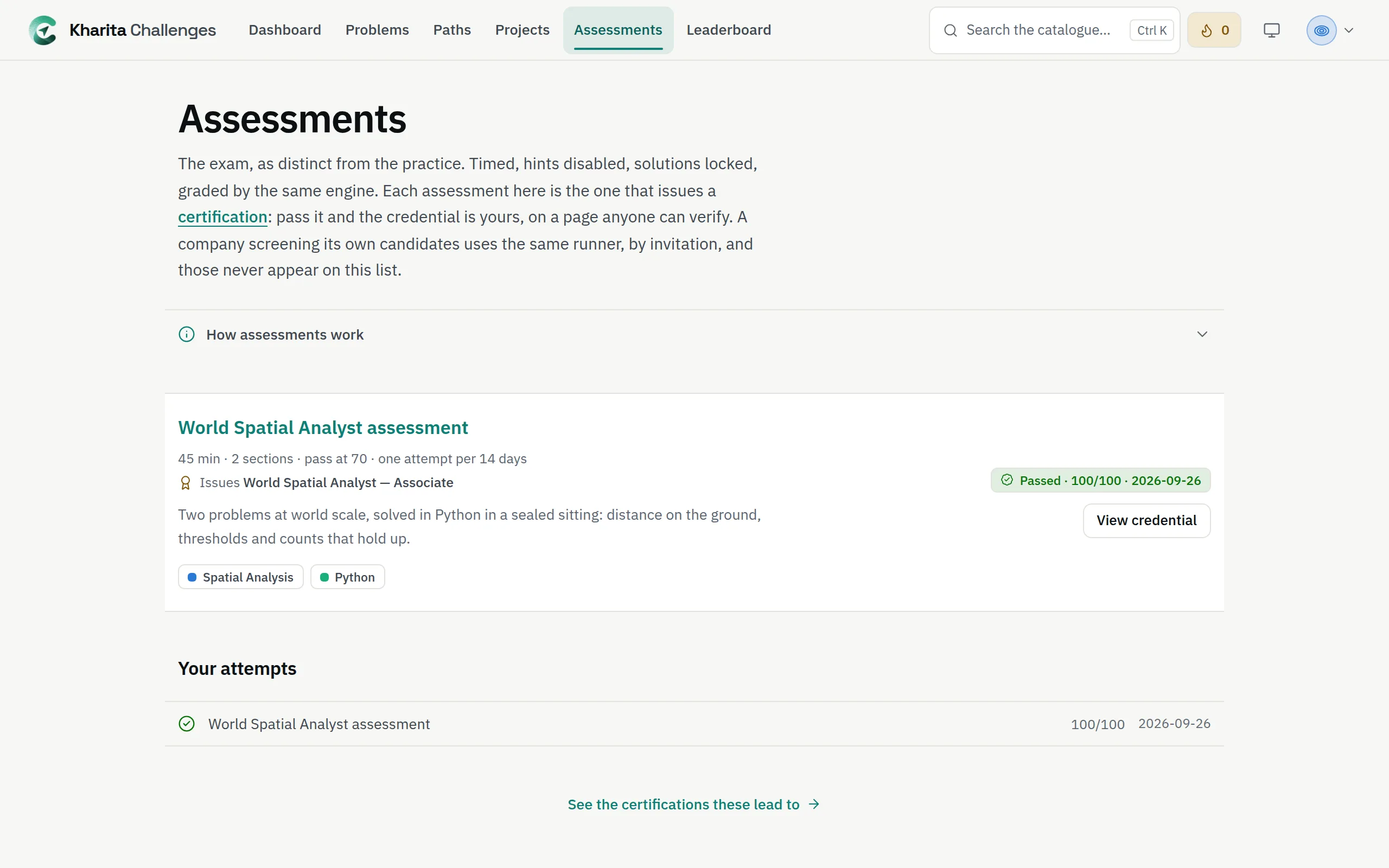
An assessment's problems are written for assessments — you cannot practise them — and stay hidden until the clock starts. You can sit a catalogue assessment once every 14 days.
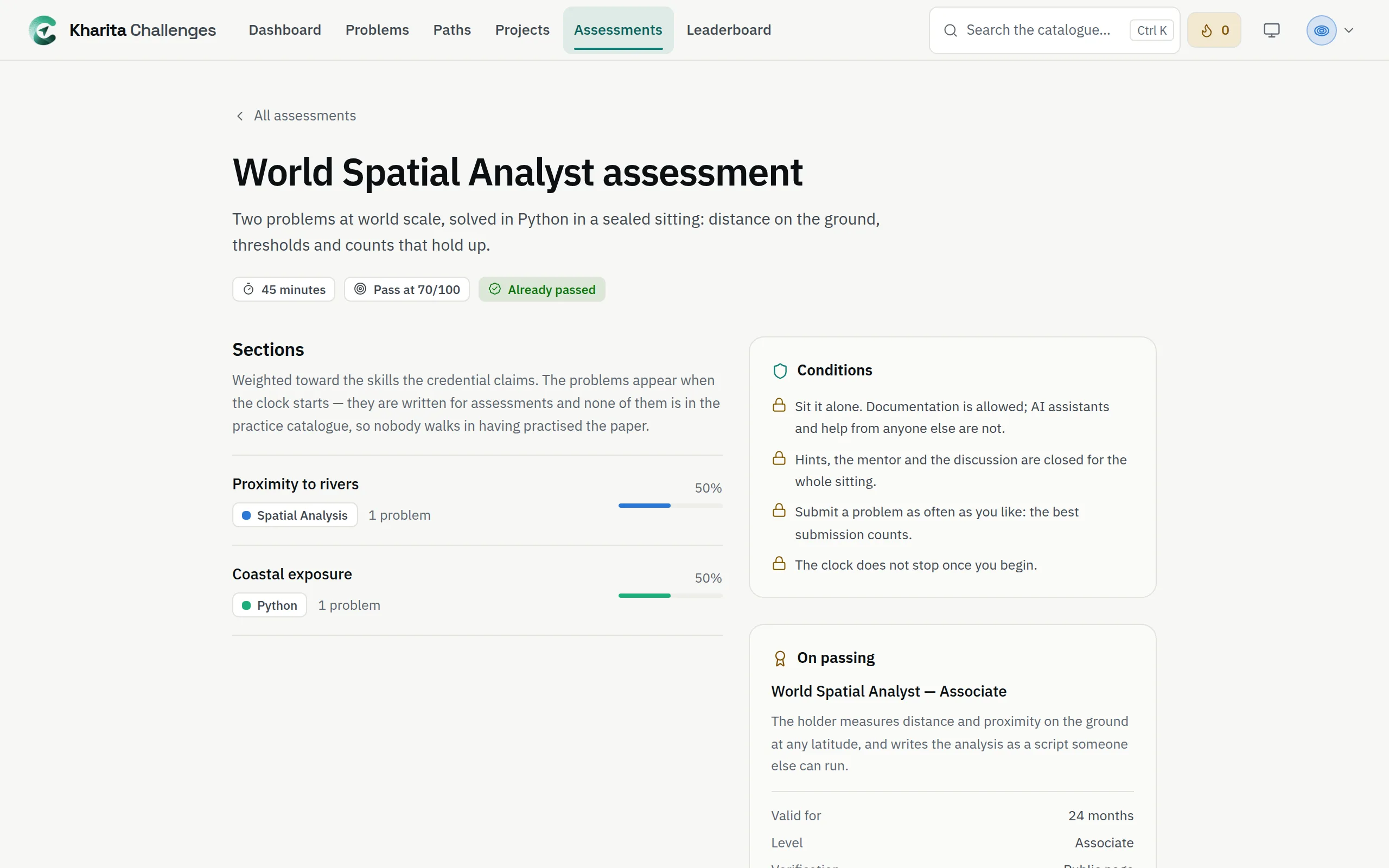
Begin
Step 1: Read Conditions. Every sitting is sat under one rule: Sit it alone. Documentation is allowed; AI assistants and help from anyone else are not.
Step 2: Tick the statement: I will sit this alone, with no AI assistant and no help from anyone. Documentation is allowed.
Step 3: Press Begin. The clock starts at once and does not pause, even if you close the page.
While you sit it
- Hints, the solution, the discussion and the mentor are locked, and no XP is earned.
- Each submission says only Recorded. Submit as often as you like: your best on each problem is the one that counts.
- A record is kept of how each answer is made — when you paste and how much (never what), time away from the page, how often you run — and a person reads it if your result needs a second look.
- Time remaining is on the assessment's page.
Hand it in
Press Submit assessment and confirm. A problem with no answer scores zero, and at zero the assessment submits itself while its page is open.
You see Passed or Not passed, your score and a Skill report by section. A pass issues the certificate, when the assessment awards one — see Earn, share and verify a certificate.
If a company sent you a link, the sitting works the same way: you need an account to start, and one invitation is one sitting.
Related
Still stuck? Write to Support