

Solve your first problem
Open a problem, read the brief, work in the editor, Run to see your own output and Submit to be graded.
Updated
Find a problem
Problems lists the whole catalogue; the filters beside it narrow it down. Today's challenge is one problem for everybody each day, worth extra XP.
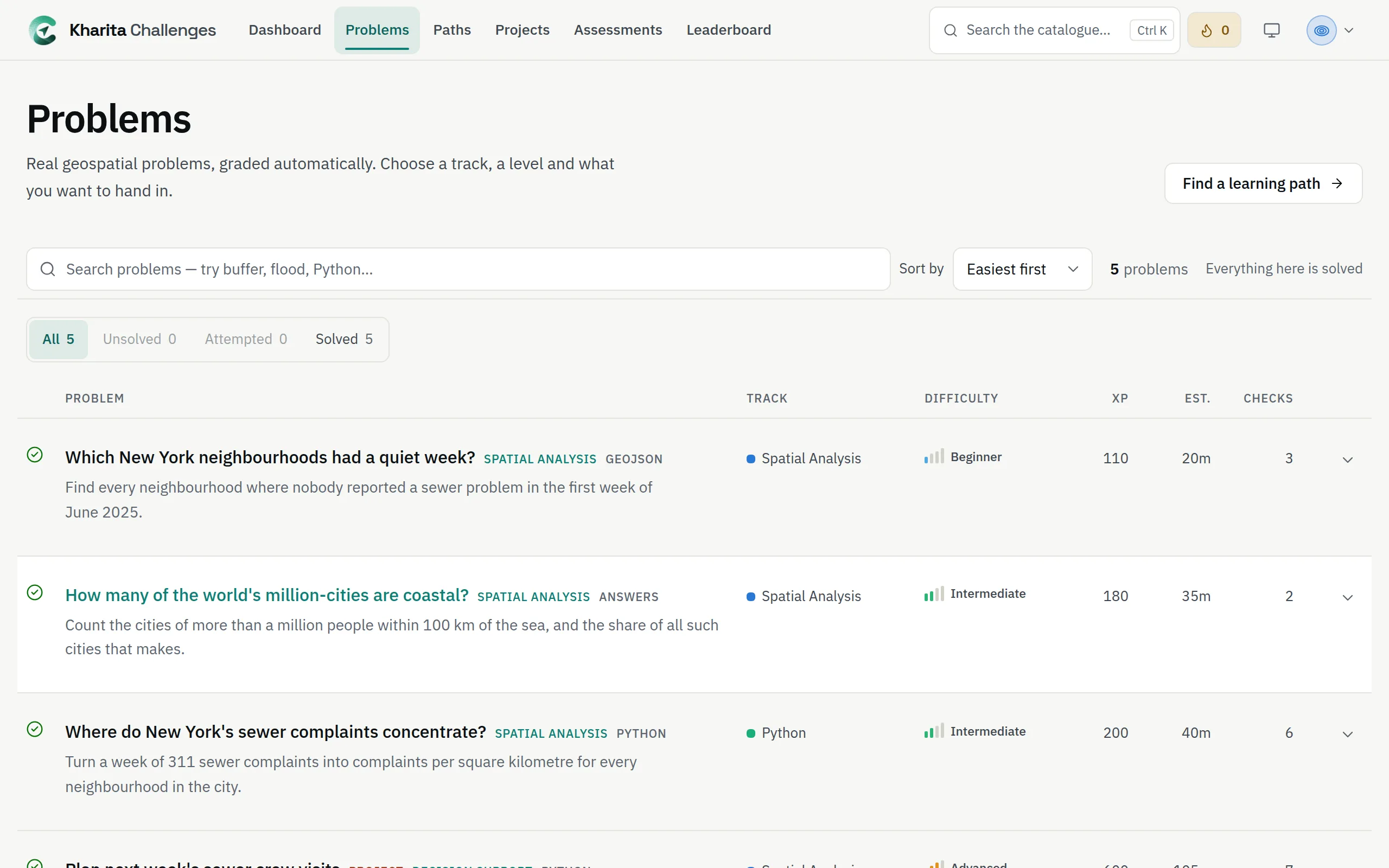
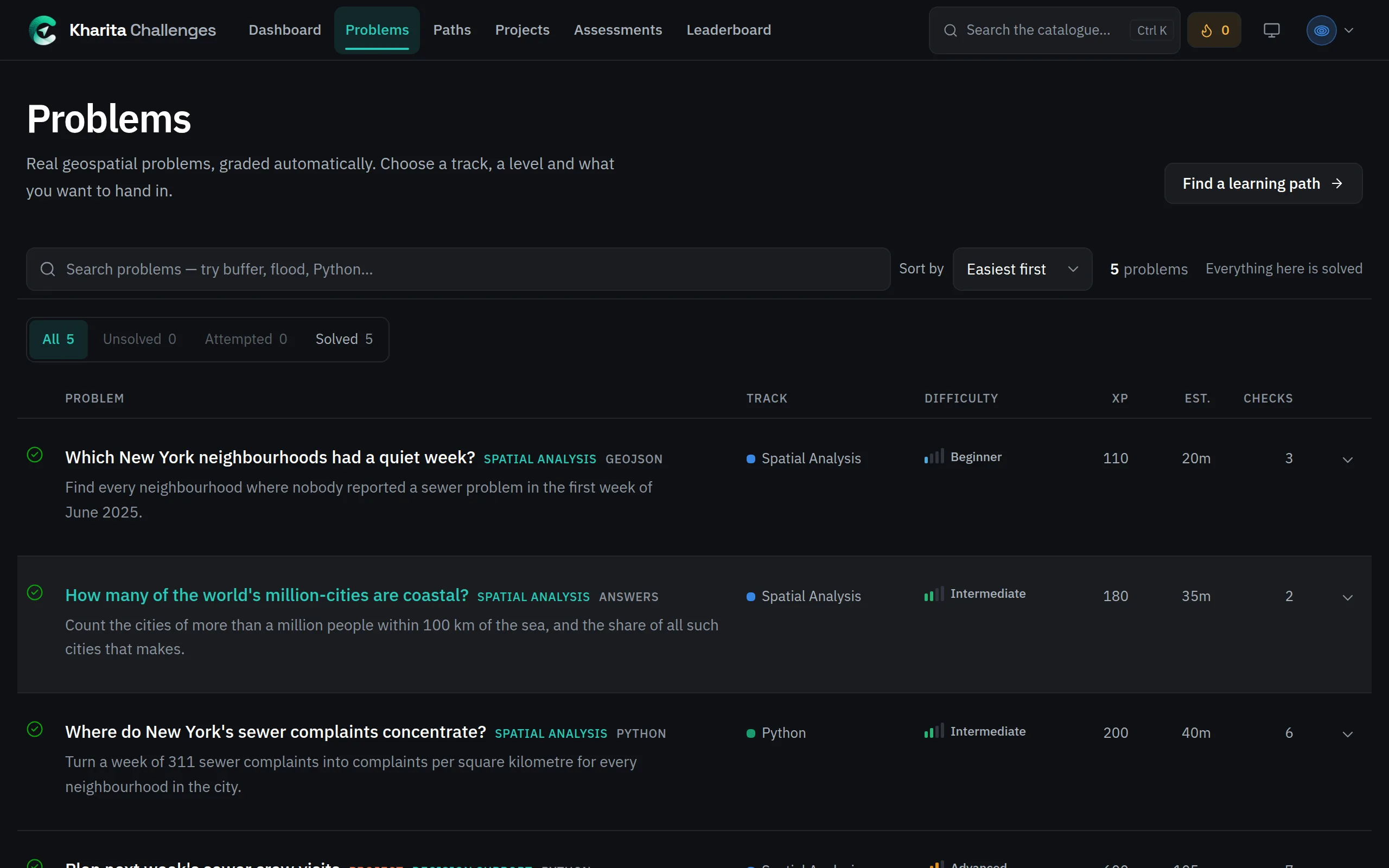
Work on it
A problem opens on its Brief — the situation, the task and What to submit — beside a map of its data and the editor you work in. The Data tab describes each dataset, with downloads in several formats.
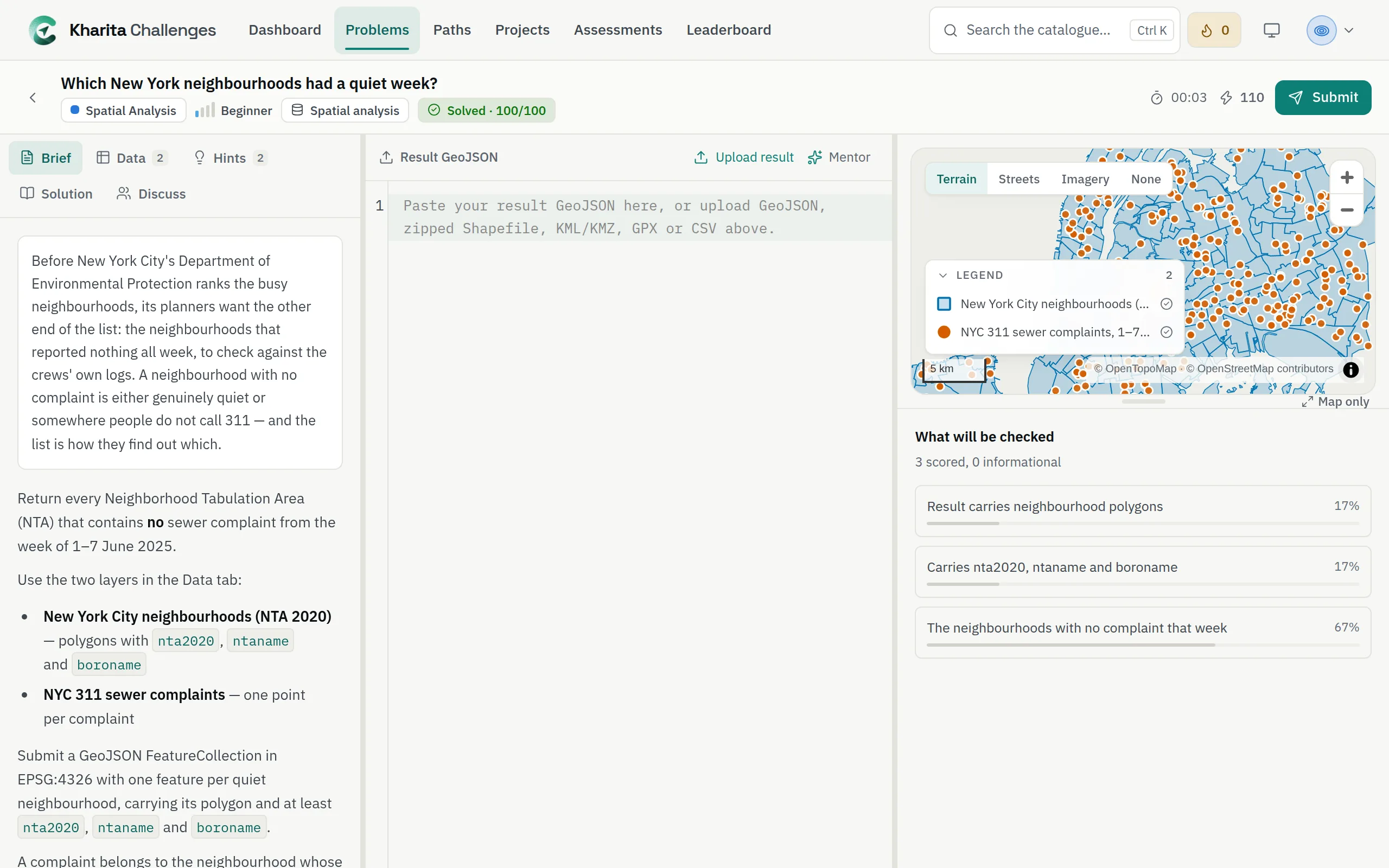
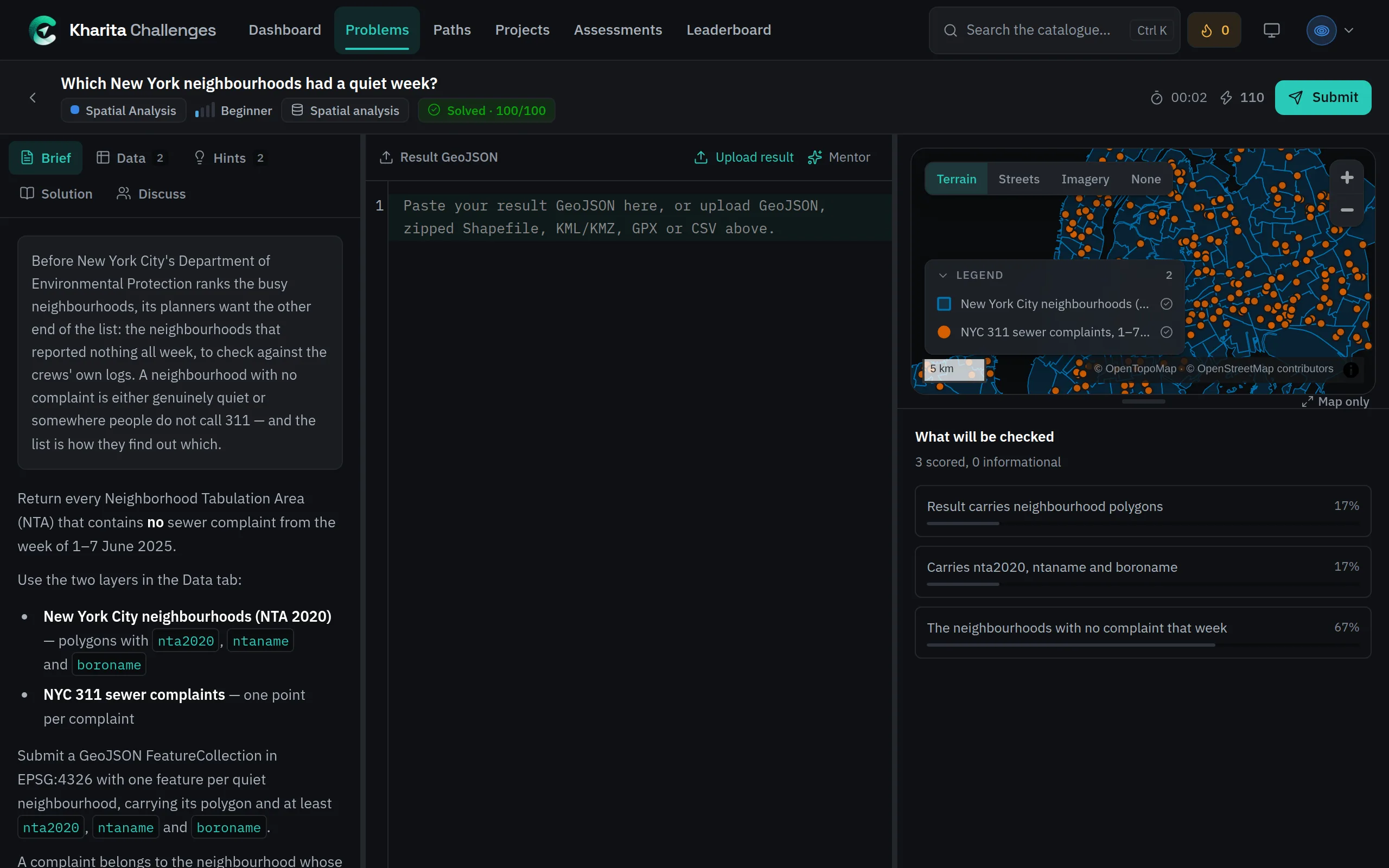
Signed in, your work is saved as a draft as you type, and is there when you come back.
Run, then Submit
- Run
- Executes your query or script and shows your own output: rows, the query plan, a preview of your result. It records nothing and never says whether the answer is right.
- Submit
- Sends your answer to be graded. It waits in a queue for a moment, then every requirement comes back met or missed.
SQL, Python and schema problems can be run. A problem answered with a prepared file has Read instead, which shows what your file was read as. Signed out, Python still runs in your browser; sign in to submit.
Read the results
The result says how many requirements you met and your score out of 100. Each requirement has a row: what was expected beside what you produced, a tip when you missed it, and Why this matters. Where a requirement checks the answer itself — a count, a total, a set of ids — the expected value stays hidden until you pass this one.
Passing earns XP and opens the solution and the discussion — see How an answer is graded.
Related
Still stuck? Write to Support