

Rename or delete a workspace
Change the workspace's name and details, or delete it for good; only an owner can do either.
Updated
Team workspaces are opened on request. Ask for one; this is how it works once yours is open.
Change its details
Step 1: Open Settings in the rail. Only owners see it.
Step 2: Under Details, change the Name, What the company does — shown on the invitation page — or the Email domain, which is for your reference and does not limit who can be invited.
Step 3: Press Save the details.
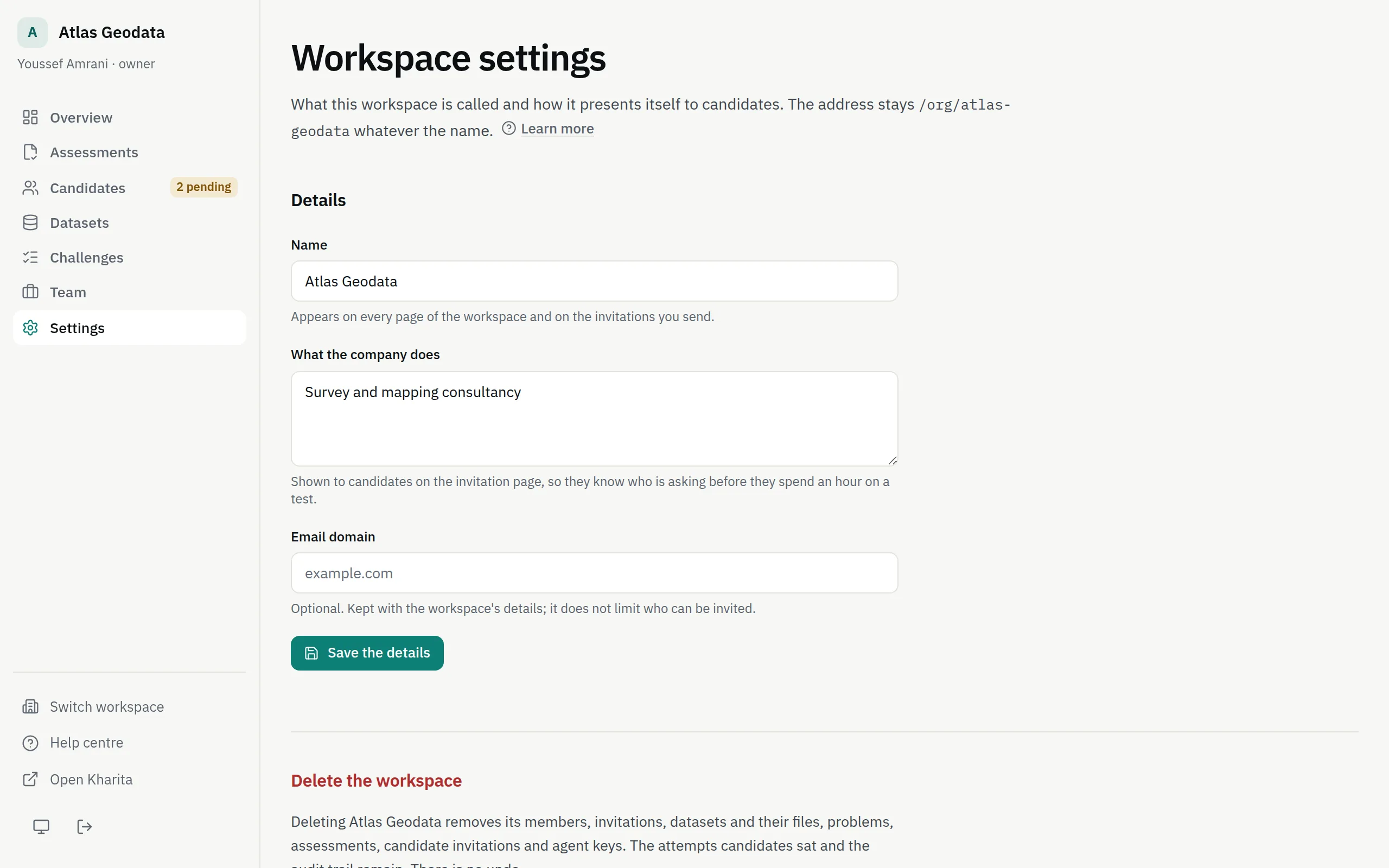
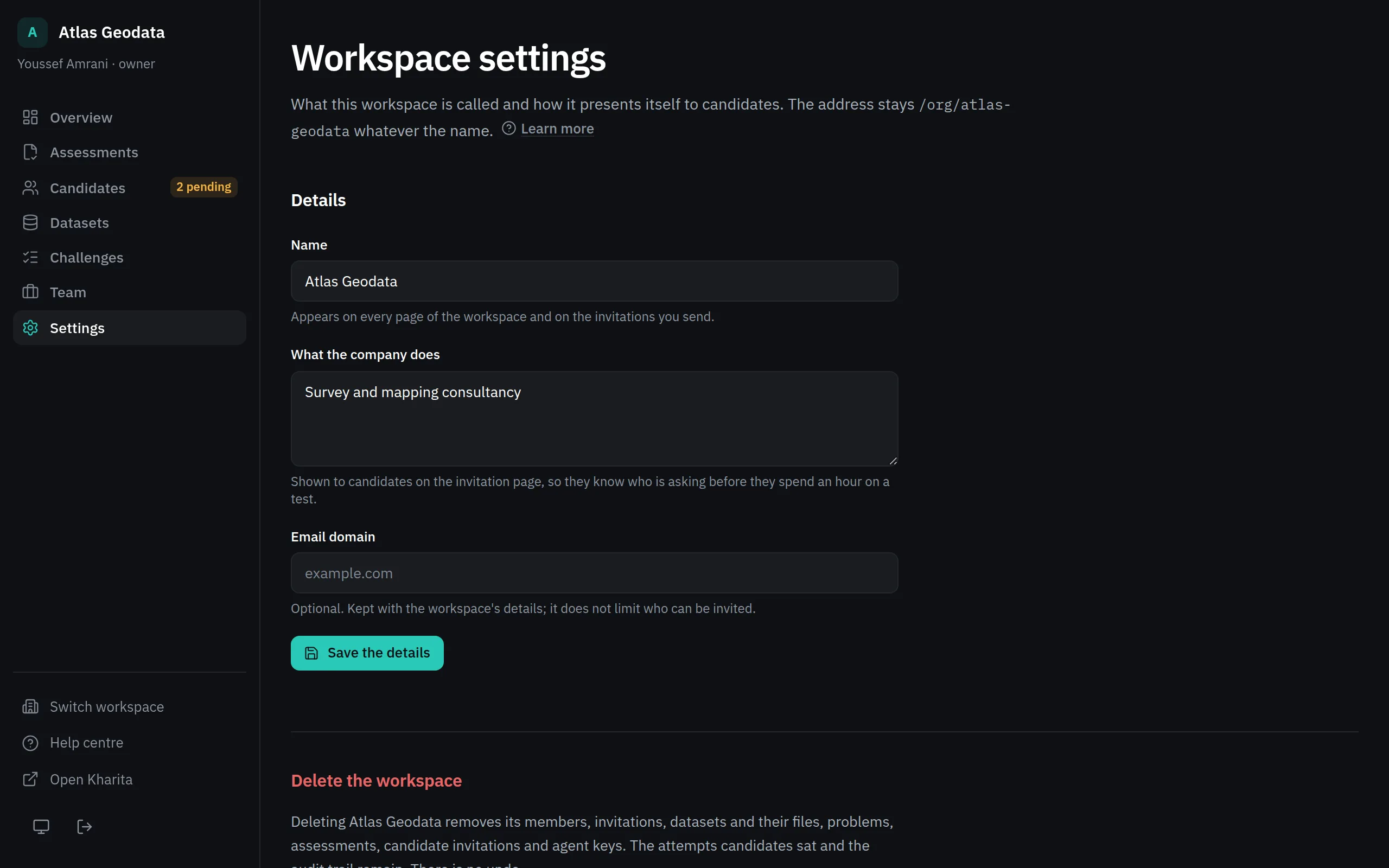
The workspace's address stays the same whatever its name, so links you have sent keep working.
Delete it
Step 1: Under Delete the workspace, press Delete this workspace….
Step 2: Type the workspace's slug to confirm, and press Delete the workspace for good.
Related
Still stuck? Write to Support