

Read a candidate's scorecard
The score, every requirement they met or missed, how they compare with the others, and how the sitting went.
Updated
Team workspaces are opened on request. Ask for one; this is how it works once yours is open.
Open it
In Candidates, open a candidate who has completed. Everyone in the workspace can read a scorecard.
The score
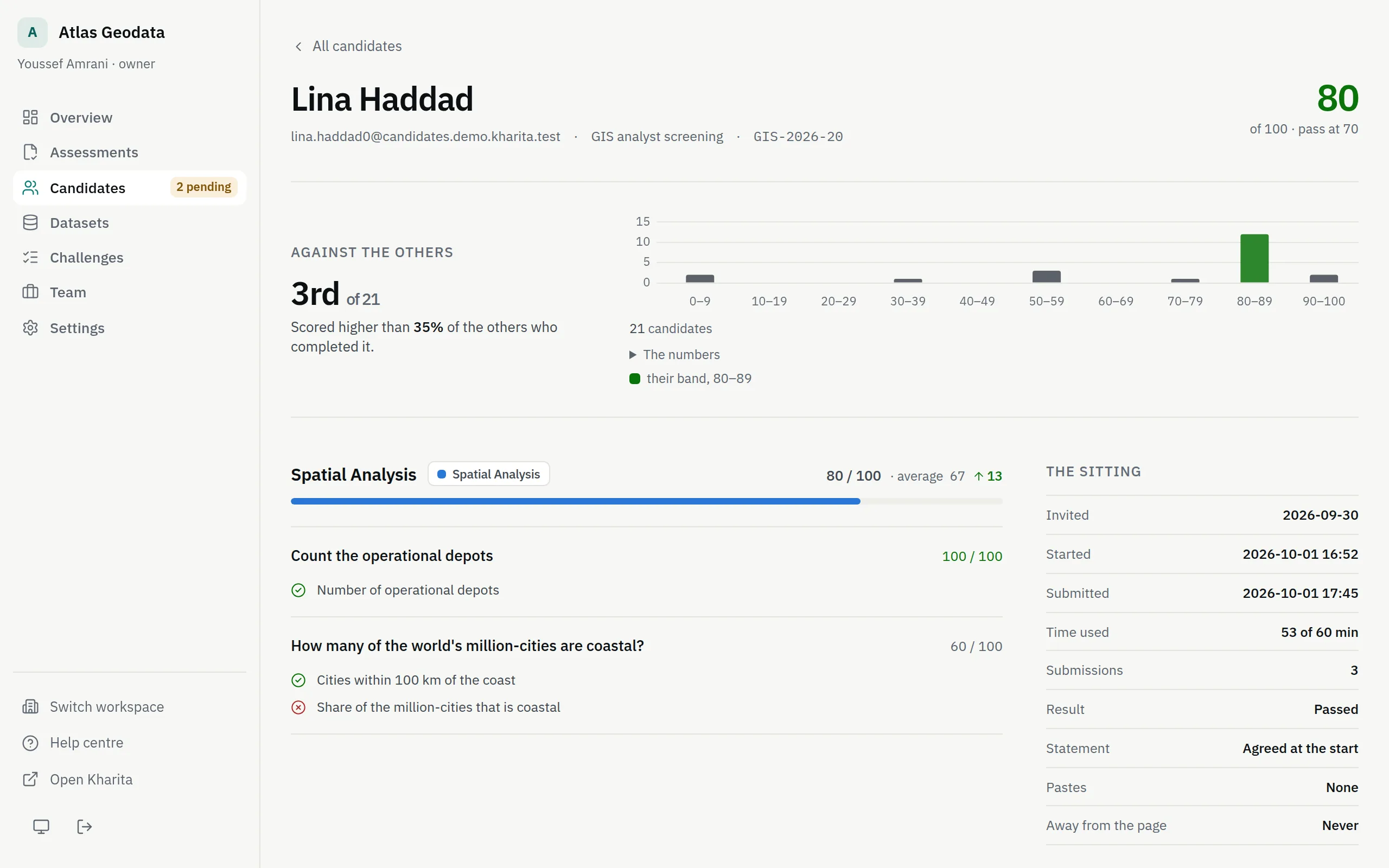
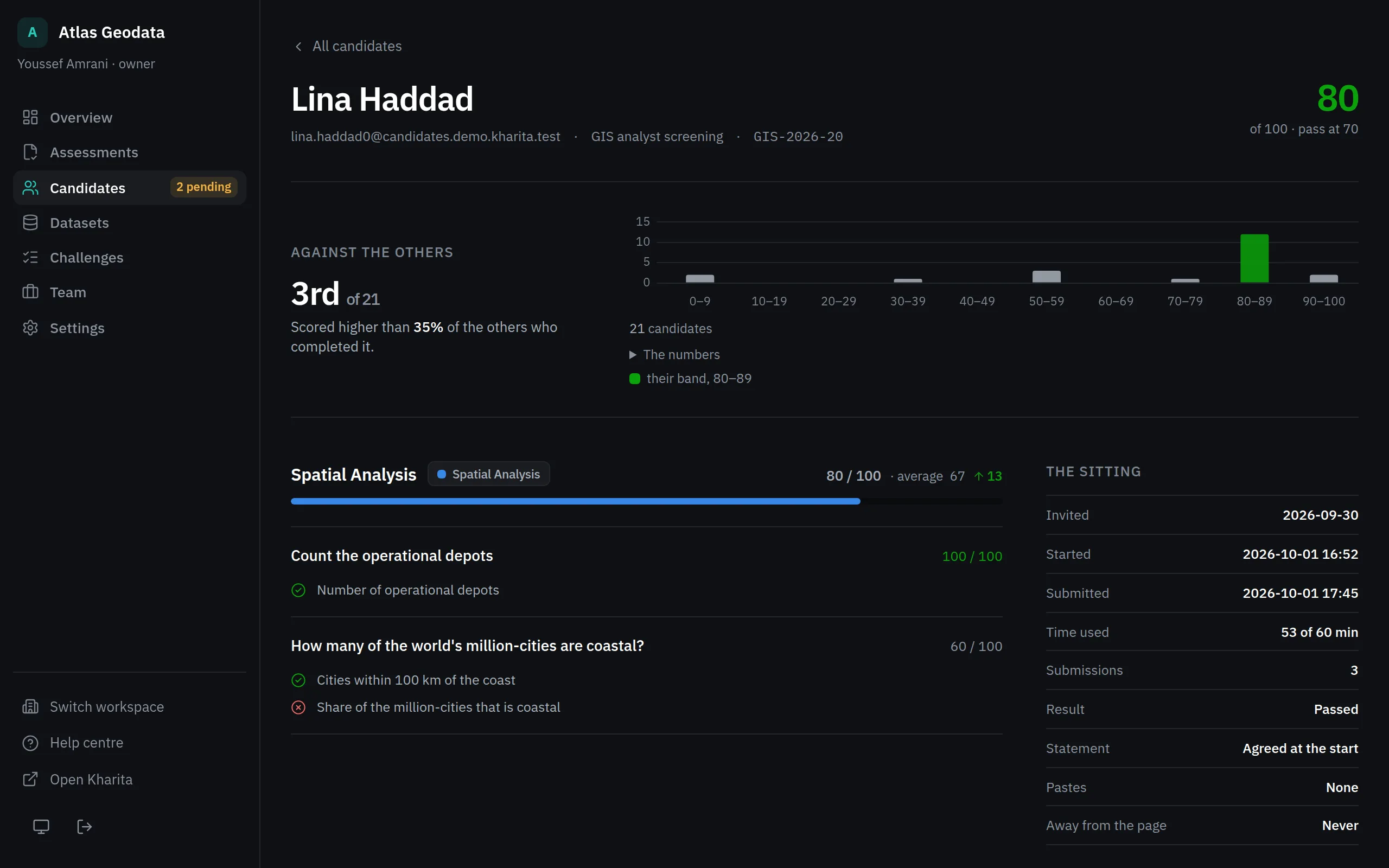
The large number is the overall score out of 100, beside the pass mark. Each section shows its score and the average of everyone else who completed it, with an arrow. How the numbers are made is in How scores are worked out.
What they got right and wrong
Under each problem, every requirement is ticked or crossed, from their best submission. A crossed one shows what they produced next to what was expected. This is the part a CV cannot tell you: it names the mistake.
A problem they never attempted reads Not attempted — counts as zero.
Against the others
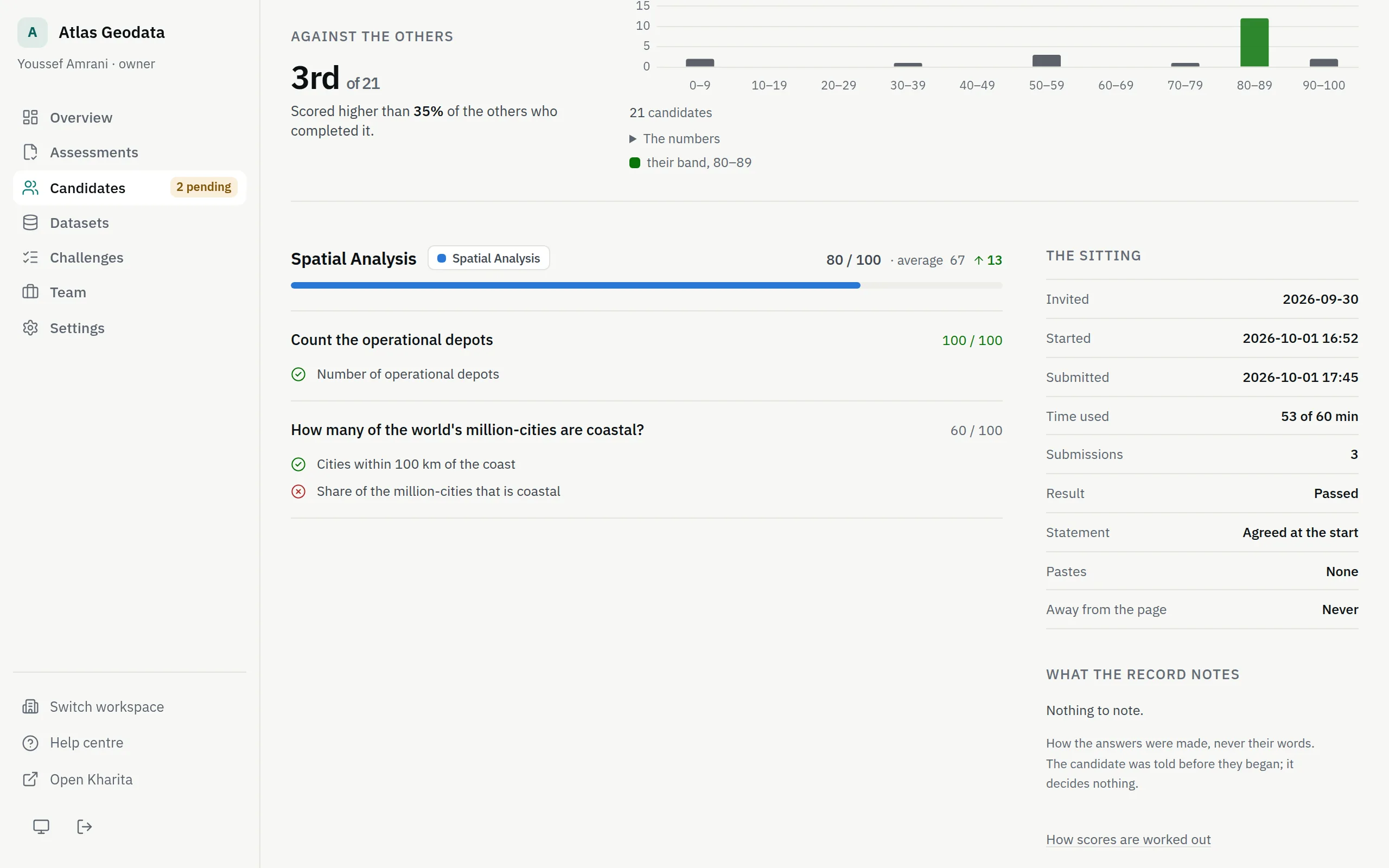
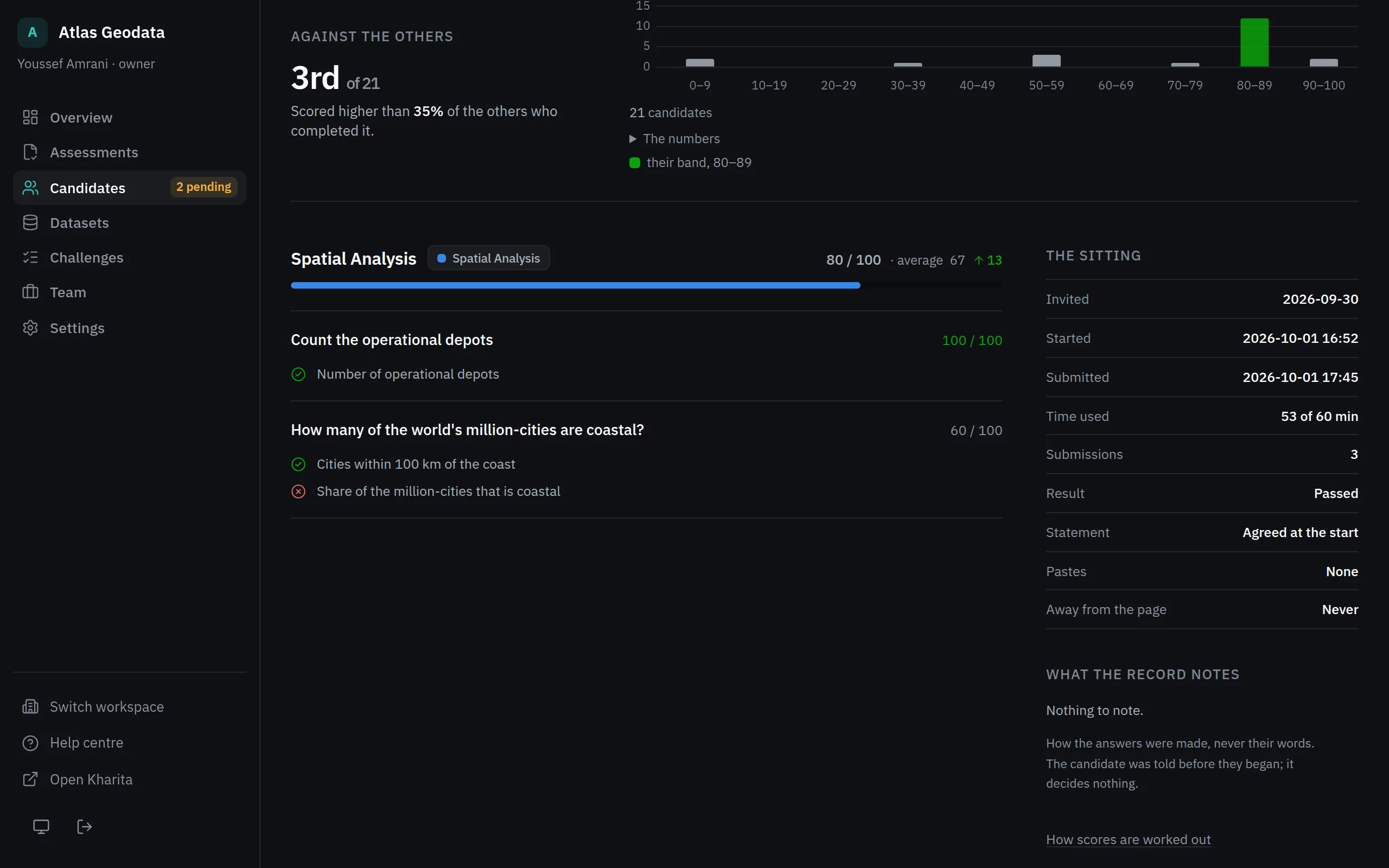
Once at least five people have completed the same assessment in this workspace, Against the others places the candidate: their rank, the share of the others they scored higher than, and where their score falls among everyone's. Until then it says how many have completed so far.
The sitting
The sitting gives when they were invited, started and submitted, the time they used against the clock, how many submissions they made, whether they agreed to the rule, their pastes and their time away from the page. What the record notes turns that into sentences worth a look, or says Nothing to note — see How an answer was made: the sitting record.
Related
Still stuck? Write to Support