

Join a class
Ask to join with your teacher's code or link; you are in once they let you in.
Updated
Ask to join
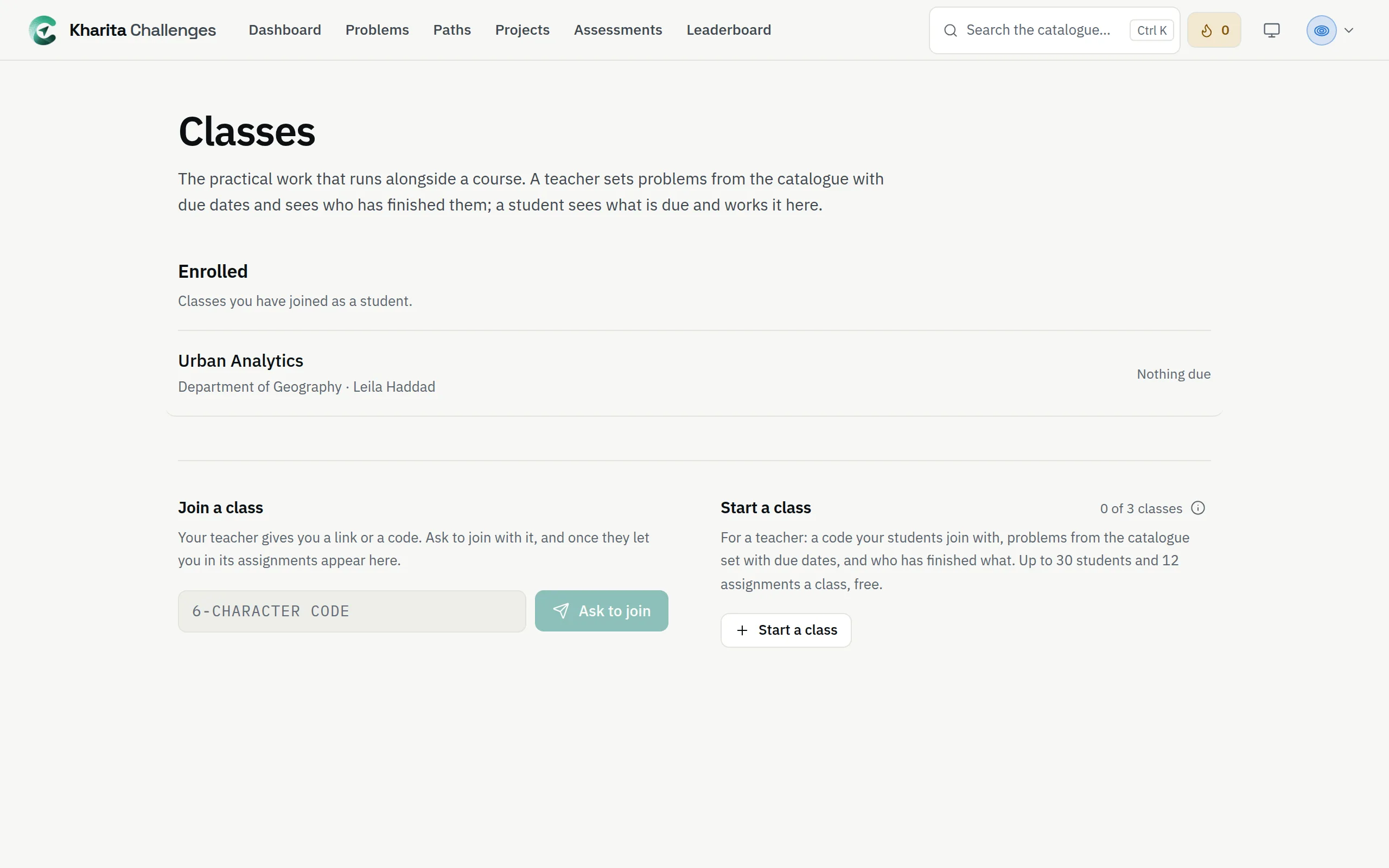
Step 1: Open Classes, or the invite link your teacher shared.
Step 2: Under Join a class, type the six-character code and press Ask to join.
Step 3: Wait for your teacher to let you in. Until then the class is under Waiting to be let in, with Cancel request.
Inside the class
Each class shows what is due next. A problem counts as done once you have passed it in practice — even before it was set. Your teacher sees how far each student has got; you see your own.
Related
Still stuck? Write to Support